UFIBER® AI Assistant
Interactive UFIBER® application advisor.
How it works
What the UFIBER® AI Assistant does
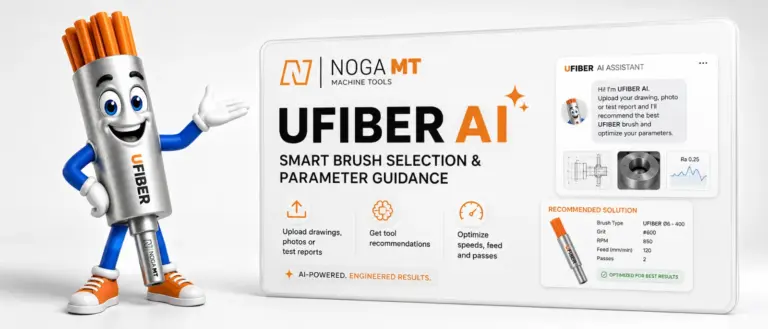
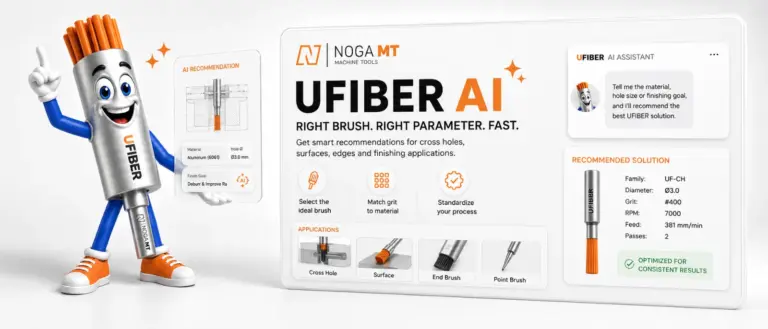
Tell the assistant your material, hole size or finishing goal, and it recommends the UFIBER® ceramic fiber brush to use and the machining parameters to start with: RPM, feed, depth of cut and number of passes. It covers cross holes, surfaces, edges and other finishing jobs with the Cross-Hole, Surface, End and Point brushes.
-
Choose the right brush
Describe the part, or upload a drawing, photo or test report. The assistant suggests the brush family, diameter and grit for the job.
-
Get speeds and feeds
Get recommended RPM, feed, depth of cut and passes for your material and machine, in mm or inch. Add your maximum spindle RPM if your machine is limited.
-
Improve your results
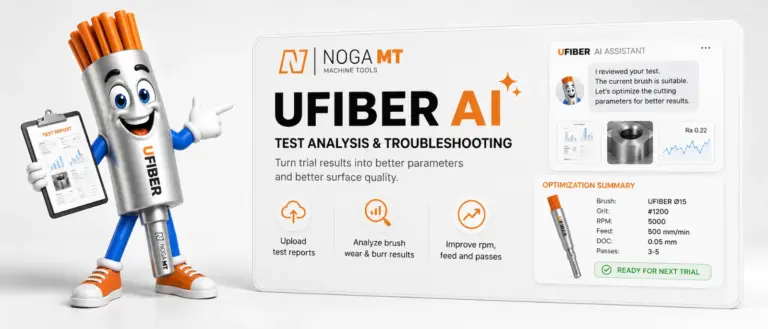
Upload the report from a trial run. The assistant reviews brush wear, burr removal and surface finish, then suggests better RPM, feed and passes for the next trial.
Registration is free. The recommendations are a starting point: begin at the lower end of the range and fine-tune on your actual part. For help with a specific application, contact NOGA MT application support.